





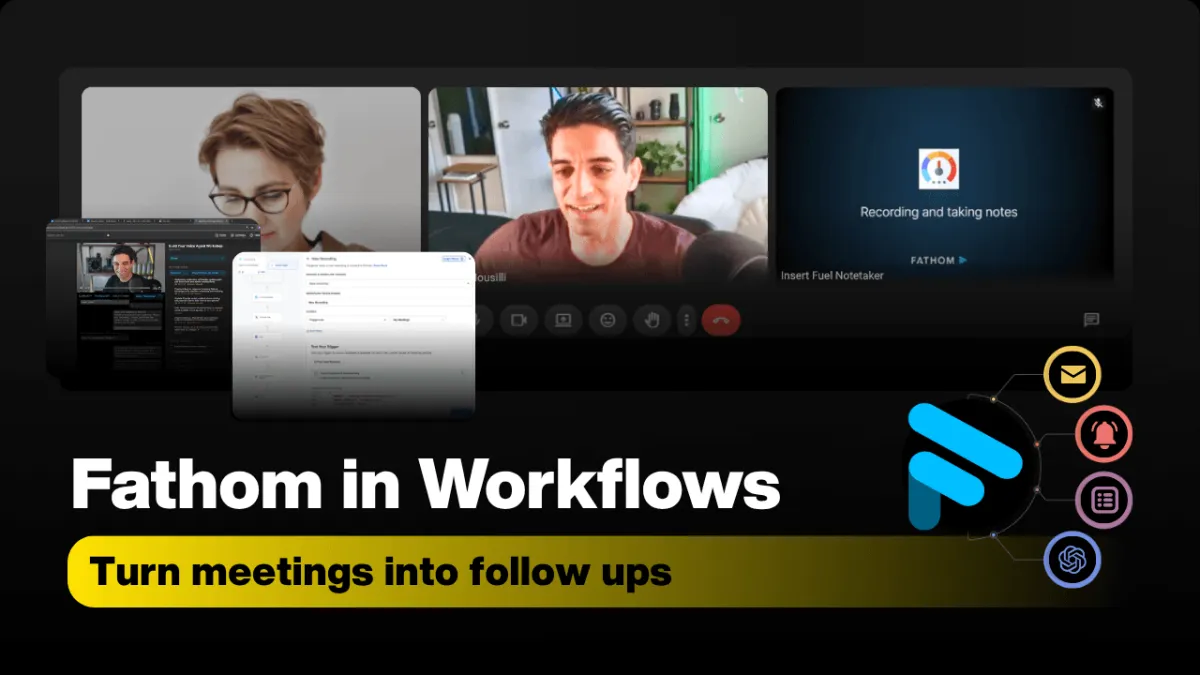
Fathom & HighLevel: Automate Calls into Workflows
When Fathom and HighLevel work together, your meetings stop being forgotten conversations and start becoming fuel for automated, consistent follow-up. Instead of scrambling through notes, you can let AI capture every word and let workflows handle the rest.
What Fathom Really Does for Your Meetings
Fathom is an AI meeting assistant that quietly joins your calls, records them, and then does the heavy lifting you normally do by hand. It:
Records your meetings (Zoom, Teams, Google Meet, and more)
Generates full transcripts you can search and reuse
Creates AI summaries with key decisions and action items within seconds of the call ending
Recent updates like Ask Fathom (account-wide search), AI scorecards, and broad integrations mean your meeting library becomes a searchable knowledge base, not a graveyard of forgotten recordings ([businesswire.com](https://www.businesswire.com/news/home/20251008689349/en/Fathom-Expands-with-New-Features-Designed-to-Extract-Maximum-Value-From-Every-Conversation)).
From Conversation to Workflow Data Inside HighLevel
On its own, Fathom gives you beautiful transcripts and summaries. The magic happens when you connect that data to HighLevel workflows using automation layers like Albato, viaSocket, Pipedream, or Zapier (via LeadConnector). That’s where calls turn into structured, usable workflow data.
These tools expose Fathom events and data as triggers and actions you can plug into HighLevel. Think of it as building a bridge:
Fathom triggers (e.g., New Recording, new AI summary, new transcript) fire when a call is processed.
Fathom actions (e.g., List Recordings, Fetch Transcript, Fetch Summary) let HighLevel pull in exactly the meeting data you want, when you want it.
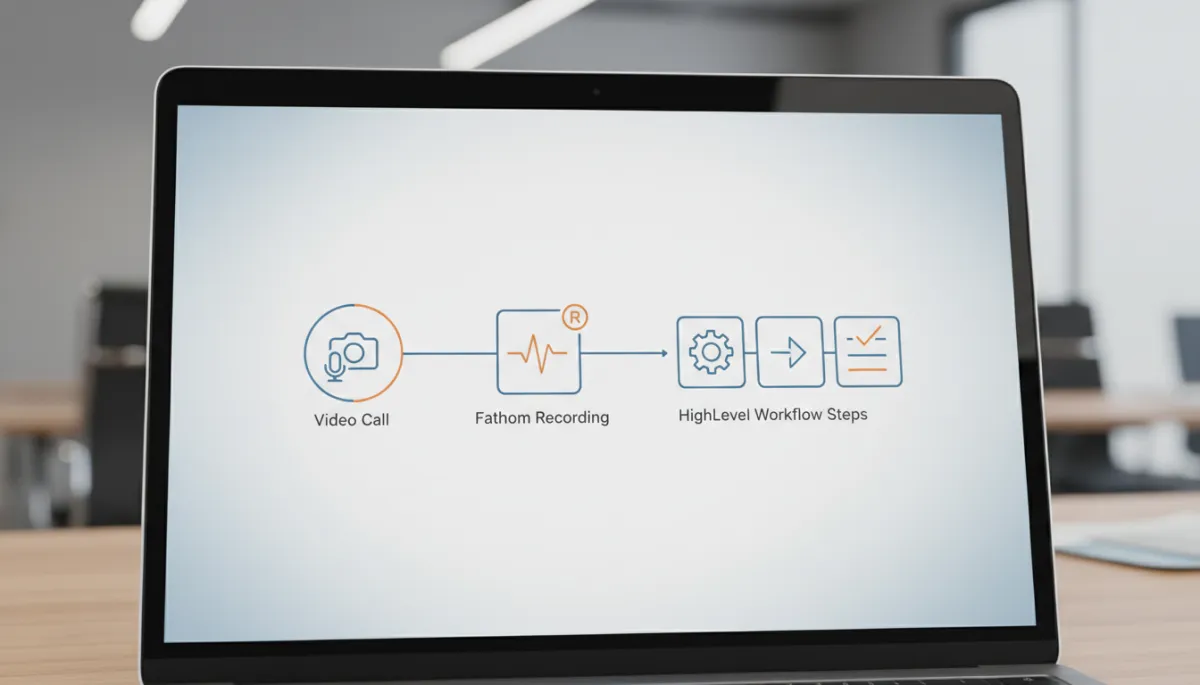
When meetings become data, HighLevel can reliably follow up without manual notes.
Key Triggers and Actions: How the Pieces Fit Together
Different automation platforms label things slightly differently, but the core building blocks are the same. You’ll typically work with:
Fathom Triggers (Start the Workflow)
New Recording / New Meeting – fires when a meeting ends and Fathom has a new recording to process ([albato.com](https://albato.com/connect/fathom-with-highlevel)).
New Transcript – kicks off when a transcript is ready.
New AI Summary / New Action Item – perfect for “after-call” sequences and task creation ([viasocket.com](https://viasocket.com/integrations/leadconnector/fathom)).
Fathom Actions (Pull the Data You Need)
List Recordings – search for calls by date, participant, or other filters to tie the right meeting to the right contact.
Fetch Transcript – pull the full text of the meeting into HighLevel for notes, custom fields, or long-form documentation.
Fetch Summary / Get Summary – grab the concise AI summary and action items to drive follow-up messages and tasks ([albato.com](https://albato.com/connect/fathom-with-highlevel)).
Practical Ways to Use Fathom Data Inside HighLevel
Once those triggers and actions are wired up, you can start building real-world workflows that save hours every week. Here are some of the most useful patterns:
Pulling meeting transcripts – store full transcripts on the contact record, or in a custom “Call Notes” field, so anyone on your team can review exactly what was said.
Grabbing summaries for quick context – pipe Fathom’s summary into internal notifications or pipelines so sales reps can catch up in 30 seconds instead of 30 minutes.
Triggering workflows after recordings – use a New Recording or New Summary trigger to automatically enroll contacts into HighLevel campaigns or follow-up sequences.
Building structured follow-up systems – turn Fathom action items into HighLevel tasks, pipeline stage changes, or reminder SMS messages so nothing slips through the cracks.
Updating CRMs automatically – sync key details (budget, timeline, objections, next steps) from Fathom summaries into custom fields in HighLevel so your CRM always reflects the latest conversation.
💡 Pro Tip: Start with summaries first. Pipe Fathom’s AI summary into a single HighLevel custom field and build your first “post-call” workflow around that one field before adding transcripts and advanced logic.
The Step‑by‑Step Flow: From Call to Automation
Record in Fathom – You host your Zoom, Teams, or Meet call. Fathom records the meeting and captures audio, video, and context.
Processing – After the call ends, Fathom processes the recording, generating the transcript, summary, and action items. This usually takes a few minutes, depending on call length and load.
Trigger activation – Once the transcript or summary is ready, your chosen automation platform fires a trigger, like New Recording or New AI Summary.
Workflow automation in HighLevel – The workflow uses actions such as List Recordings, Fetch Transcript, and Fetch Summary to pull in data, match it to the right contact, and then: update records, create tasks, send emails or SMS, and move deals through your pipeline.
Common Use Cases That Make a Real Difference
Sales follow‑ups – Automatically send a personalized recap email or SMS to prospects based on Fathom’s summary, and assign follow-up tasks to reps with all context attached.
Client summaries – After coaching calls or client strategy sessions, push a clean summary into HighLevel and share it with the client, reinforcing value and next steps.
CRM updates – Use transcripts and summaries to automatically update fields like deal stage, service interest, or renewal date without manual data entry.
Internal notifications – Send Slack or email alerts to your team when a high‑value call finishes, including the Fathom summary and key action items so everyone is aligned instantly.
Note processing – Turn messy, free‑flowing conversations into structured notes, tags, and tasks inside HighLevel, so your team never has to decode someone else’s scribbles again.
Reducing the Gap Between Conversation and Execution
The real benefit of combining Fathom with HighLevel is not just “better notes.” It’s the way it shrinks the gap between what was said and what actually gets done.
Faster follow‑up – Workflows can launch within minutes of the call ending, so prospects hear from you while the conversation is still fresh.
Better consistency – Every client gets the same standard of recap, next steps, and nurturing, regardless of who ran the meeting or how busy they are afterward.
Less manual note handling – Your team can focus on the conversation itself instead of typing furiously or trying to remember details hours later.
Important Considerations: Processing Time and Contact Mapping
To keep everything running smoothly, there are two details you can’t ignore:
Processing time – Fathom needs a short window after each call to generate transcripts and summaries. Build a small delay or a “wait until summary exists” step into your workflows so you aren’t trying to fetch data before it’s ready.
Contact mapping – Your automation is only as smart as its ability to match a recording to the correct contact in HighLevel. Use reliable identifiers like email addresses, meeting links, or calendar event IDs to connect Fathom participants with HighLevel records.
⚠️ Warning: If you skip solid contact mapping, you risk pushing the right notes to the wrong person—or worse, not pushing them at all.
Fathom Captures the Meeting. HighLevel Turns It Into Action.
Think of it this way: Fathom captures everything that happens in the room—the words, the decisions, the commitments. HighLevel workflows turn that raw conversation into action—tasks, messages, pipeline moves, and CRM updates that actually move your business forward.
When you connect the two, you stop relying on memory and motivation, and start relying on systems. That’s how you build a business that follows up faster, serves clients better, and grows without burning you out.
If you’d like more practical, real‑world ways to systemize your business with tools like Fathom and HighLevel, join the Let Go Boss Community. You’ll get step‑by‑step breakdowns, workflow templates, and support from others who are building businesses that run on smart automation—not endless manual follow‑up.