


Key Instagram 2026 Updates: Developer Insights
Instagram, 2026 Updates, Social Media Engineering
Key 2026 Instagram Updates: A Developer’s Take on What Actually Changed
Instagram’s 2026 updates go far beyond cosmetic tweaks. From carousel editing and AI-powered tools to safety changes and a redesigned layout, these shifts materially affect how we build content workflows, automation, and analytics around the platform. This post walks through the key changes from a senior engineer’s perspective and how to adapt your tooling and habits accordingly.
1. Carousel Editing: Finally Fixing Posts Without Nuking Them
In 2026, Instagram’s carousel support caught up with real-world use cases. You can now:
Reorder slides in an existing carousel after publishing
Replace a single slide (fix a typo, update a graphic) without deleting the post
Mix aspect ratios (1:1, 4:5, 16:9) in one carousel, with AI-generated thumbnail suggestions
For devs and power users, this means fewer “delete and repost” flows and more stable post IDs for analytics and deep links. If you’re tracking engagement via the Graph API, expect carousels to evolve over time while keeping the same primary identifier, so design your data model to handle slide-level changes.
2. AI Editing Tools: Scribble, Outline, Dither, Sparkle
Instagram is leaning hard into inline AI editing. The new tools (names may vary slightly per region) include:
Scribble: Sketch rough shapes or arrows on an image and have them cleaned into polished vectors or annotations.
Outline: Auto-detects subjects and generates clean outlines or cutouts for thumbnails and Reels covers.
Dither: Applies stylized, high-contrast or retro dithering effects tuned by AI to preserve detail while compressing.
Sparkle: Adds context-aware lighting, glows, and highlight accents to products, faces, or UI elements.
Combined with the expanded “Edits” app and AI Creator Studio (Instachecker, 2026), this lets you keep more of the pipeline on-device. For engineering teams, that means some transformations you previously handled in your own pipelines (background removal, basic stylization) can now be delegated to the client, reducing pre-processing overhead.
// Pseudo-workflow: offload some edits to Instagram instead of your backend
const localAsset = await captureOrPickMedia();

const editedAsset = await instagramClient.applyAiEdits({
    source: localAsset,
    tools: [
        { name: "outline",   strength: 0.8 },
        { name: "sparkle",   target: "product" },
        { name: "dither",    mode: "retro_soft" }
    ]
});

await instagramClient.publishCarousel({
    slides: [editedAsset],
    caption: "Shot, tweaked, and shipped from mobile in under 2 minutes."
});
3. Creator & Professional Tools: “Pro” Features for Almost Everyone
Instagram has broadened access to what used to be niche creator tools. Per recent reports (JCK, 2026):
Content scheduling, insights dashboards, and trending audio are now available to all public accounts.
Accounts with >= 1,000 followers get access to experimental Reels and Live features.
Professional accounts gain improved monetization and small-business tooling: in-app lead forms, analytics focused on conversions, and DM quick replies (SMBHub, 2026).
If you maintain internal dashboards, you can now treat even “small” accounts as data-rich sources. Expect more stable metrics for Reels performance, conversion funnels, and follower quality, not just counts.
4. Algorithm Control: “Your Feed” and Beyond
Instagram is testing a customizable feed called Your Feed, with potential tabs like Following, Friends, Latest, and Saved (AndroidCentral, 2026). This doesn’t give you raw algorithm knobs, but it does change distribution dynamics:
Content optimized for “Latest” benefits from consistent posting cadence and time-zone awareness.
“Friends” and “Saved” tabs reward high-signal engagement (saves, DMs, close-friend interactions) over raw reach.
From an engineering standpoint, you should treat reach as more segmented. When you ingest insights, distinguish between impressions from Reels, Explore, and these new feed surfaces to avoid conflating success metrics.
5. Safety & Privacy: E2EE Removal and Teen Protections
The most controversial change: Instagram is discontinuing end-to-end encryption for DMs as of May 8, 2026 (AndroidCentral, 2026). After that, message contents are no longer protected with E2EE, which has several implications:
Do not treat IG DMs as a secure channel for PII, credentials, or sensitive business data.
Update internal security guidelines and client documentation to reflect this downgrade.
On the other side, teen safety controls have tightened: PG‑13 style content filters, expanded parental supervision, and alerts for self-harm–related searches (AP News, 2026). If your audience includes teens, design content and captions that won’t get silently suppressed by these filters.
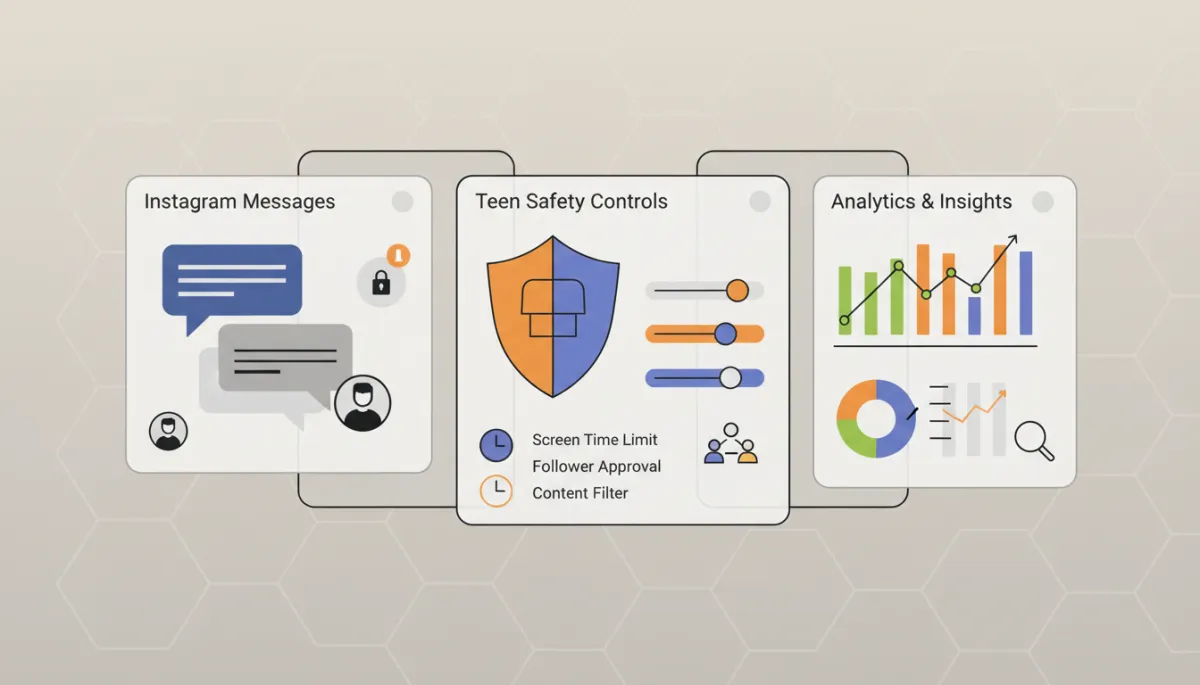
Treat Instagram DMs as convenience channels, not secure transport for sensitive data.
6. Layout Redesign: Reels-First and More Surfaces
UI experiments in 2026 continue the Reels-first trend. Expect:
More prominent Reels entry points and recommendations across the app.
A cleaner bottom nav, with shopping and business features blended into profiles and discovery instead of a single “Shop” tab.
For engineering teams building onboarding or training flows, update your screenshots and click-path assumptions. Anything that said “tap the Shop icon in the bottom nav” is now brittle and likely wrong for new layouts.
7. Product & Shopping AI: Smarter Discovery and AR
Instagram is testing AI-driven shopping features that sit on top of the existing product catalog and AR stack:
AR filters that let users place products in their environment (“View in Your Space” from Reels or Stories).
AI suggestions that infer product matches from visuals and captions, improving discovery (VisualFoodie, 2026).
If you run a product catalog, double‑check metadata quality (titles, alt-text–like descriptions, variant info). The better your structured data, the more accurately Instagram’s AI can surface your products in AR and recommendations.
8. How to Update Instagram on iOS and Android (So You Actually See This Stuff)
iOS (iPhone/iPad)
Open the App Store.
Tap your profile icon in the top-right.
Scroll to the “Available Updates” section and look for Instagram.
Tap Update. If you see “Open” only, you’re already on the latest public build.
Android
Open the Google Play Store.
Tap your profile icon > Manage apps & device.
Under “Updates available,” find Instagram.
Tap Update, or Update all if you’re batching.
💡 Pro Tip: If you’re testing rollouts, keep one device on the latest stable and another enrolled in any available Instagram beta program to spot UI and API behavior changes early.
9. Reduced Hashtag Limits: Less Spam, More Semantics
Instagram is quietly pushing toward fewer, more relevant hashtags. While the hard technical limit may still be high, using long “keyword salads” is increasingly counterproductive. Expect:
Soft penalties for hashtag stuffing (lower reach, less Explore exposure).
Better performance with 3–8 tightly aligned tags instead of 25–30 random ones.
// Pseudo-logic: enforce a lean hashtag strategy in your publishing tool
function sanitizeHashtags(rawTags) {
    const unique = Array.from(new Set(rawTags));
    const relevant = unique.filter(tag => isOnTopic(tag));

    return relevant
        .slice(0, 8)                    // keep it tight
        .map(tag => tag.toLowerCase());
}

const caption = baseCaption + "\n\n" +
    sanitizeHashtags(userProvidedTags)
        .map(tag => `#${tag}`)
        .join(" ");
10. Third-Party Edits: Where to Be Careful
With Instagram’s own AI tools and “Edits” studio getting powerful, the platform is less tolerant of sketchy third-party editing and automation apps. Things to watch:
Apps that log in with your credentials or mimic human taps via accessibility APIs are still against the terms and increasingly likely to trigger rate limits or bans.
Server-side “mass editing” of content that you then re-upload can work, but watermarking, aspect ratios, and compression should align with Instagram’s own expectations to avoid quality downgrades.
📌 Key Takeaway: Prefer official APIs and in-app AI tools for anything that touches publishing or editing. Use third-party services for upstream tasks only (asset management, collaboration, analytics).
What to Watch Next
Instagram’s 2026 roadmap leans heavily into AI (editing, translation, shopping), longer-form Reels (up to 20 minutes), and more granular safety and feed controls. As engineers, the job is to:
Keep your automation and analytics aware of evolving surfaces (Reels, Stories, Your Feed tabs).
Treat DMs as untrusted, non-encrypted channels post‑May 2026.
Design content and tools around fewer hashtags, higher-quality edits, and on-platform AI assistance.
If your stack touches Instagram at any point—SDKs, schedulers, data pipelines, or in-house creative tools—now is the right time to audit your assumptions and align them with the 2026 reality.