Fuel Cart
Your Fuel Cart is empty
Browse the Fuel ShopRecord a video in Fuel
The Fuel Way: record right inside Fuel, no other tool, and the video lands where you need it.
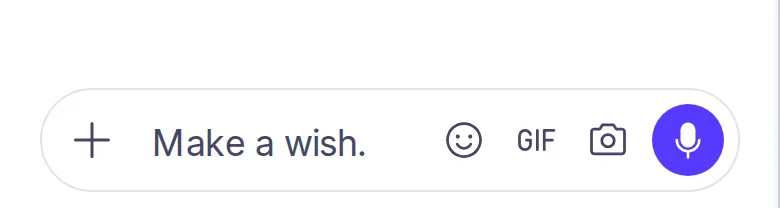
- Open a chat and tap plusOpen any chat. Tap the plus at the left of the message box. Try it: open your chats
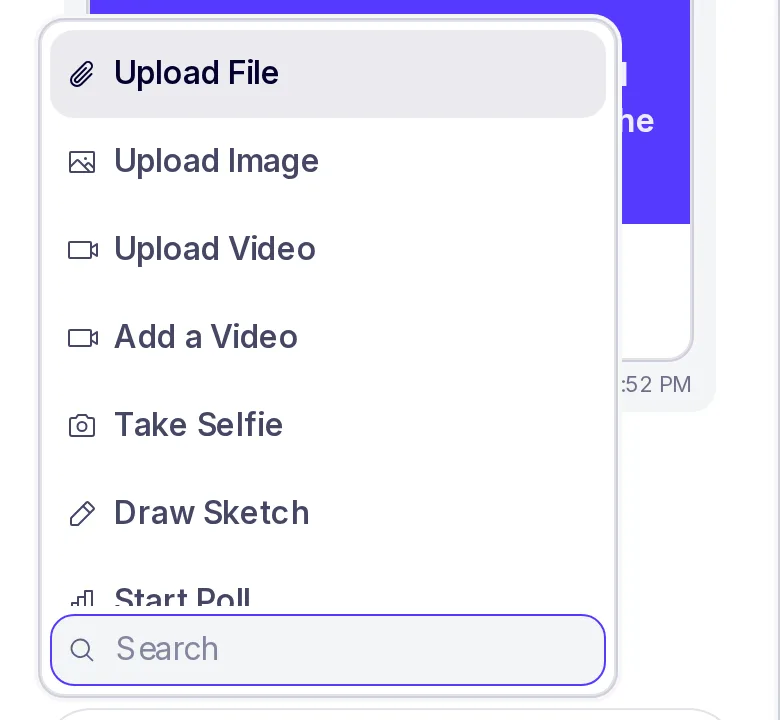
- Tap Add a VideoThe menu shows Add a Video. Tap it and allow your camera and microphone when your phone asks. Try it: open your chats
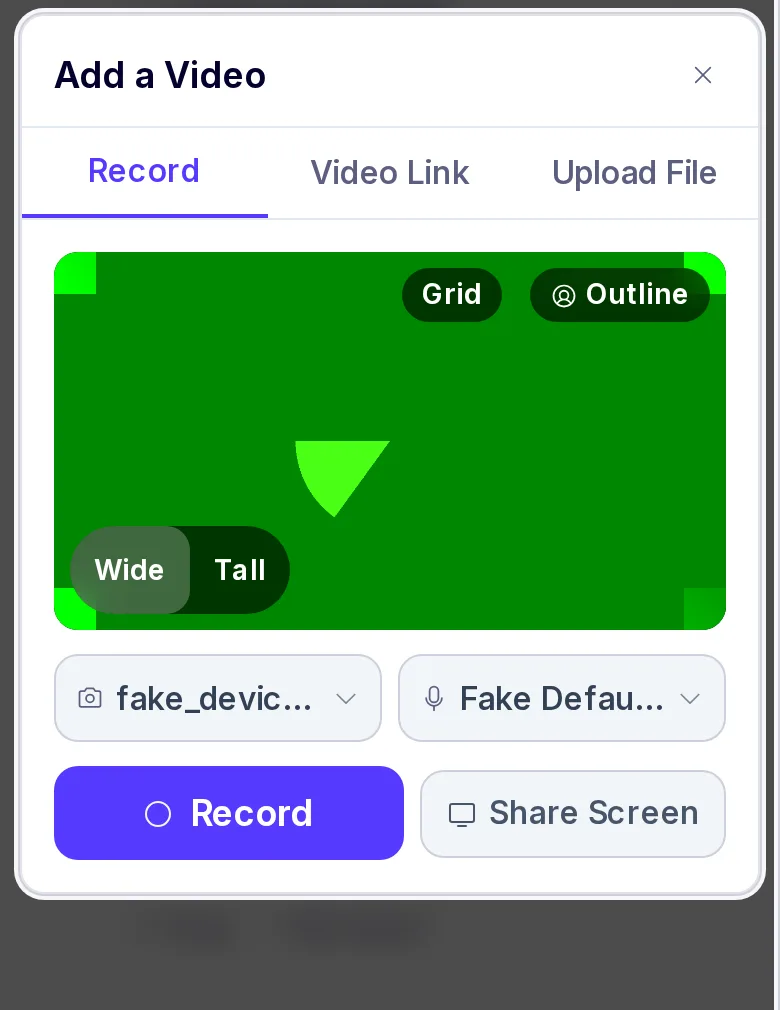
- Tap RecordYou see yourself. Tap Record. A 3, 2, 1 count runs, then you talk. Try it: open your chats
- Tap Stop when you are doneThe bar at the top shows the time. Tap Stop. You can Pause first if you need a breath. Try it: open your chats

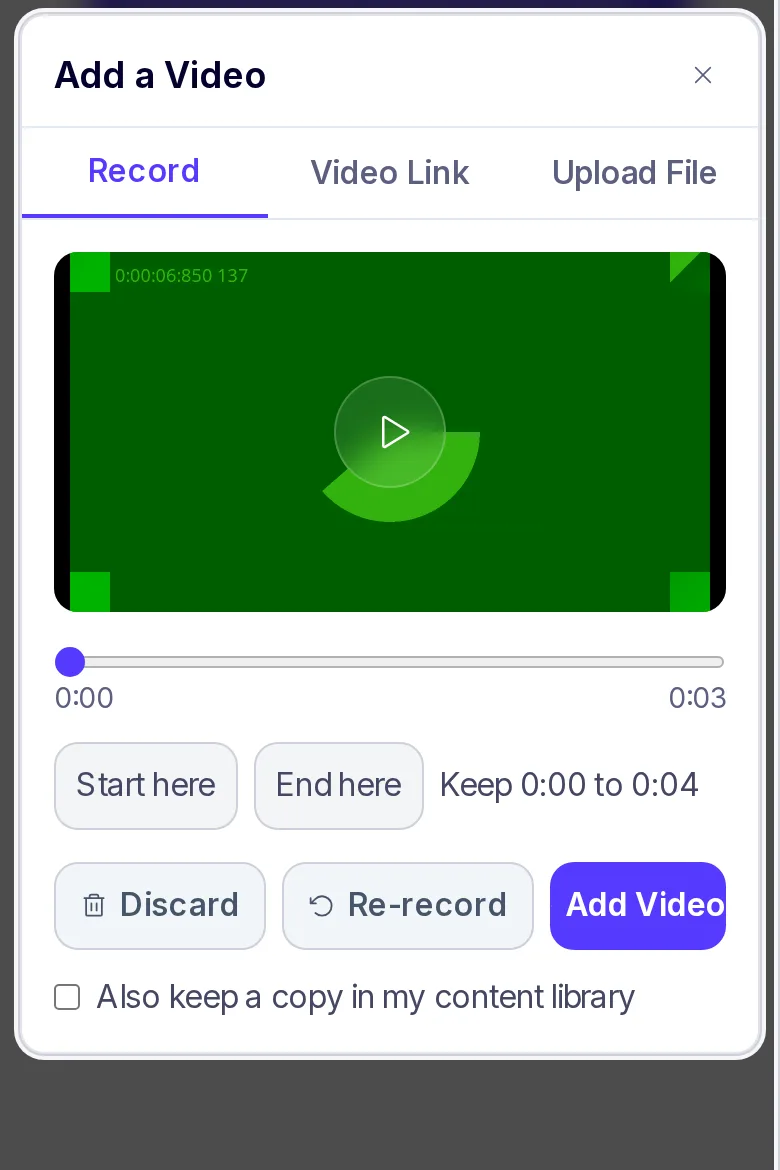
- Watch it, then tap Add VideoPlay your take. Happy? Tap Add Video. Not happy? Tap Re-record. Start here and End here trim the ends. Try it: open your chats
Part of Fuel, a whole life OS for your work and your day. Read the overview.
Related articles
- Use the teleprompter and record yourselfWrite a script, read it to camera, add your phone as a second camera, or turn an idea into a script with Spark.
- Ask Fuela for anythingType or talk. Fuela makes the task, writes the message and finds the answer.
- Work in roomsBuilder chats, group chats and DMs: where the team talks.
- Trabaja en las salas (Español)Chats de marca, chats de grupo y mensajes directos: donde habla el equipo.
Not what you needed? Ask Fuela any hour, or search the library.