Fuel Cart
Your Fuel Cart is empty
Browse the Fuel ShopAsk Fuela for anything
Type or talk. Fuela makes the task, writes the message and finds the answer.
Fuela is the assistant inside Fuel. Ask the way you would ask a friend.
- Open FuelaIn Chats, tap Fuela at the top of the list.
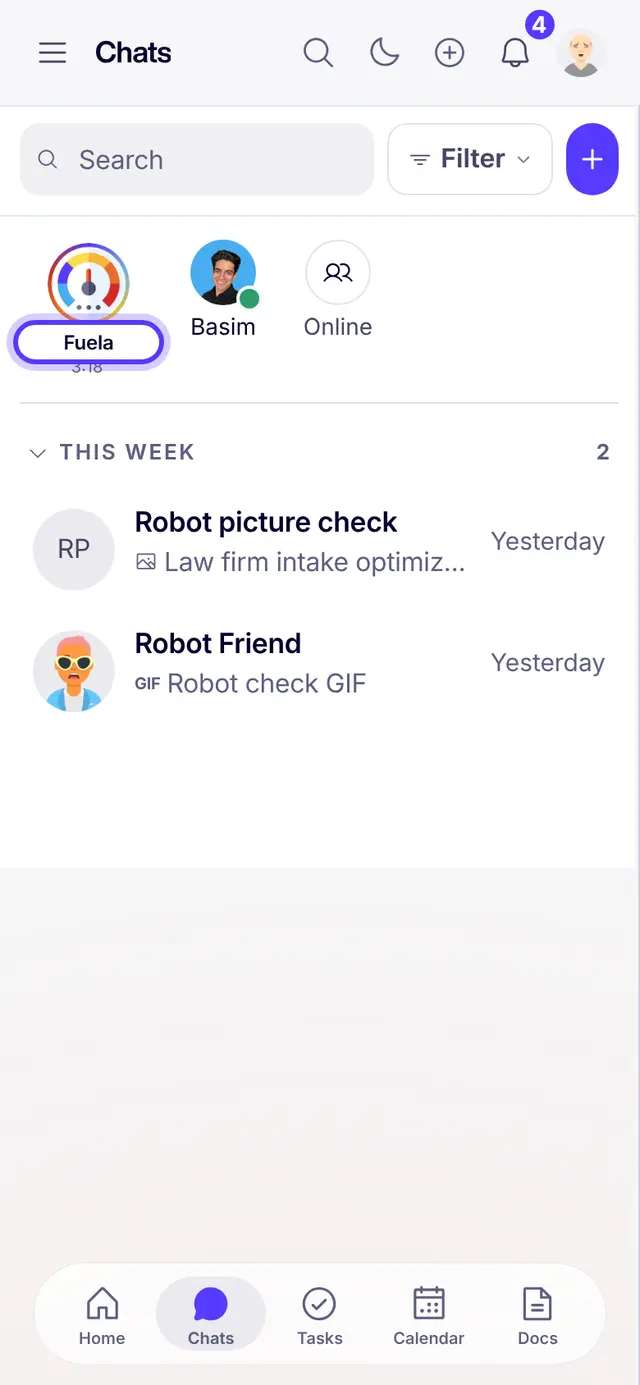
- Say it in your own wordsType what you want. For example: make a task to call my new lead on Friday at 10. Then tap the paper plane to send.

- Talk instead of typingTap the microphone and speak. Fuela turns your voice into words.

- Ask from any pageTap the magnifying glass at the top of any page.
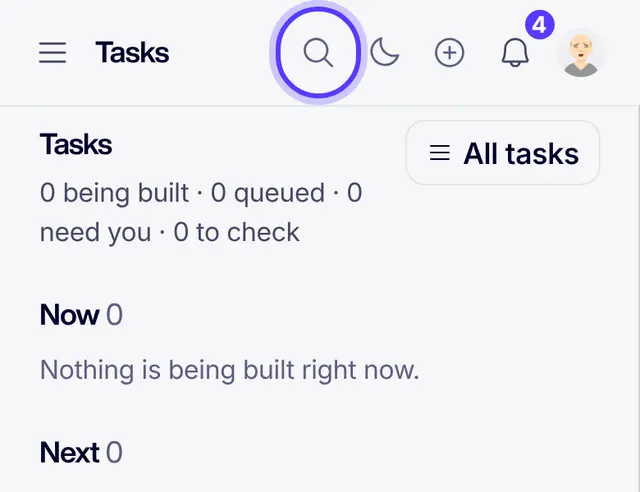
- Type, then tap Ask FuelaType your question and tap Ask Fuela. The same box also finds people, chats, tasks and docs.

- Check what Fuela madeFuela shows its work: the task, the draft or the answer. Change anything before you send it on.
Part of Fuel, a whole life OS for your work and your day. Read the overview.
Related articles
- Getting started in FuelSign in, get the real app, find your chats and meet Fuela. About five minutes.
- Tasks and the board basicsOpen Tasks, read the board, add a task and know what each status means.
- Meet Fuela, your assistantWhat Fuela does and how to ask.
- Search everything at onceFind people, chats, tasks, notes and pages from one box.
Not what you needed? Ask Fuela any hour, or search the library.