Fuel Cart
Your Fuel Cart is empty
Browse the Fuel ShopTasks and the board basics
Open Tasks, read the board, add a task and know what each status means.
- Open TasksTap Tasks in the bottom bar.
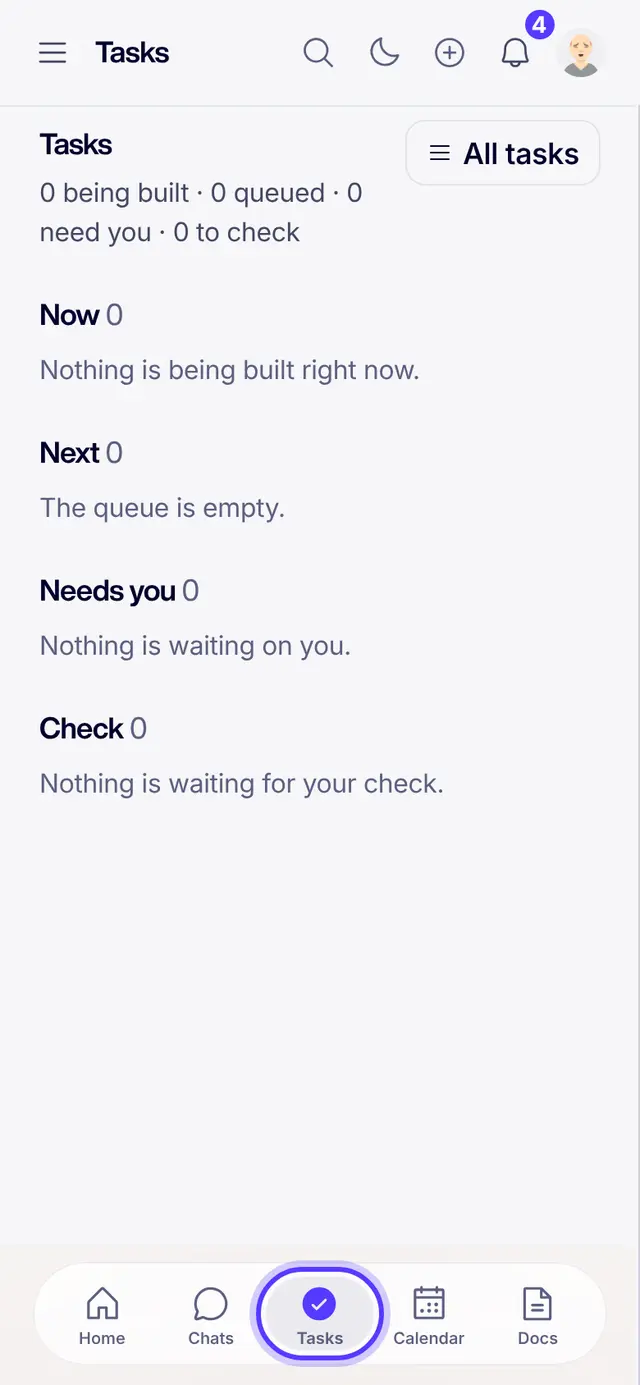
- Read the boardNow is what someone is working on. Next is the queue. Needs you waits on you. Check is finished work waiting for your look.
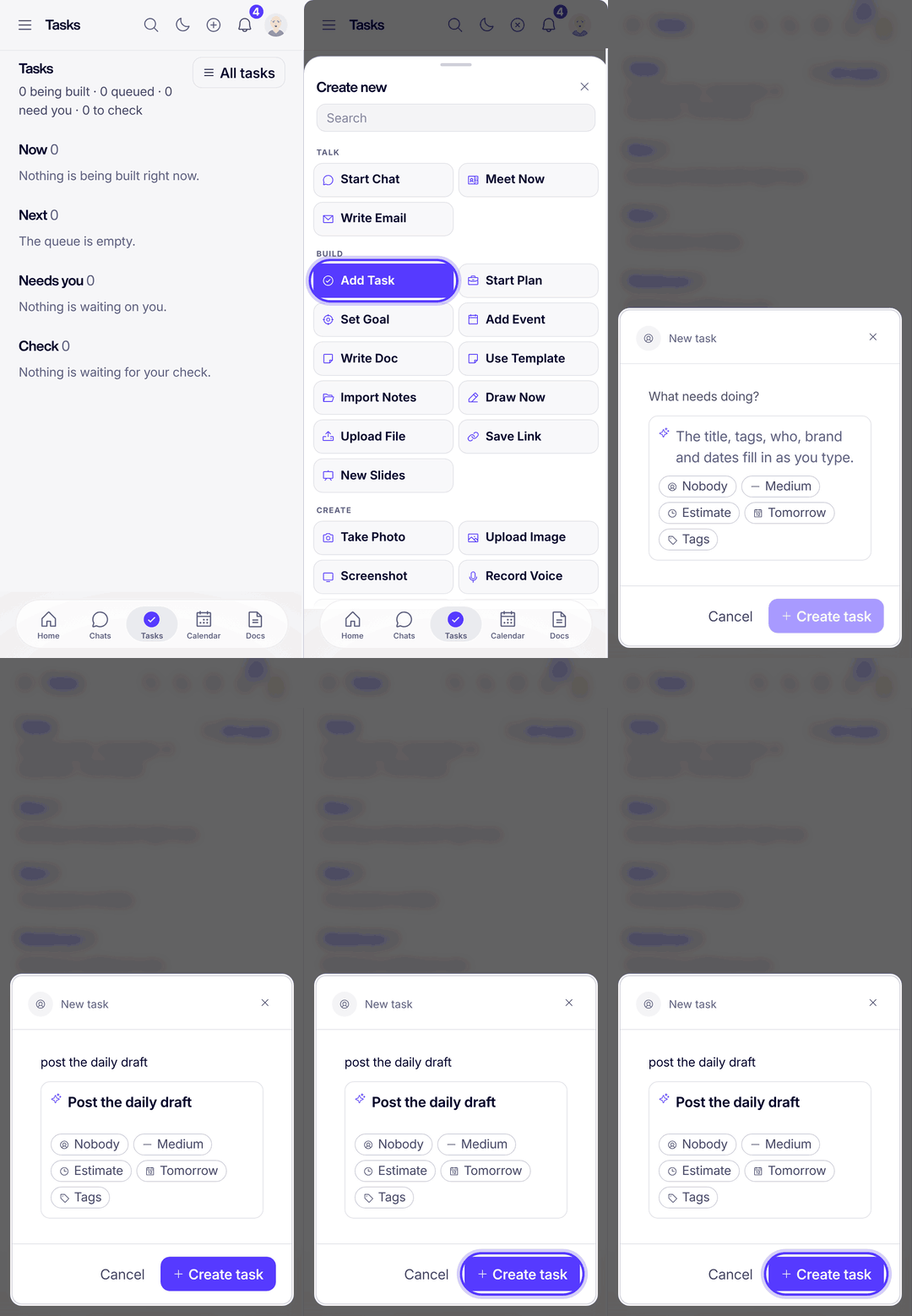
- Add a taskTap the plus at the top, then Add Task. Type what needs doing: the owner, priority and date fill in as you type. Tap Create task.
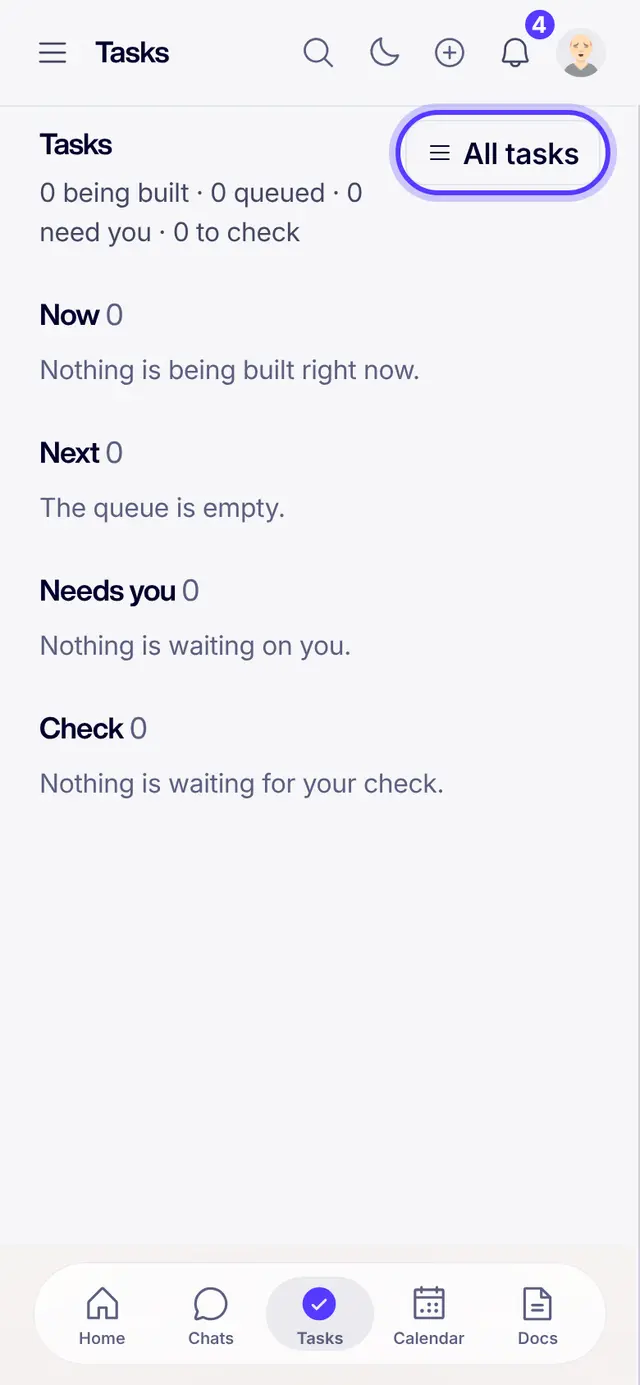
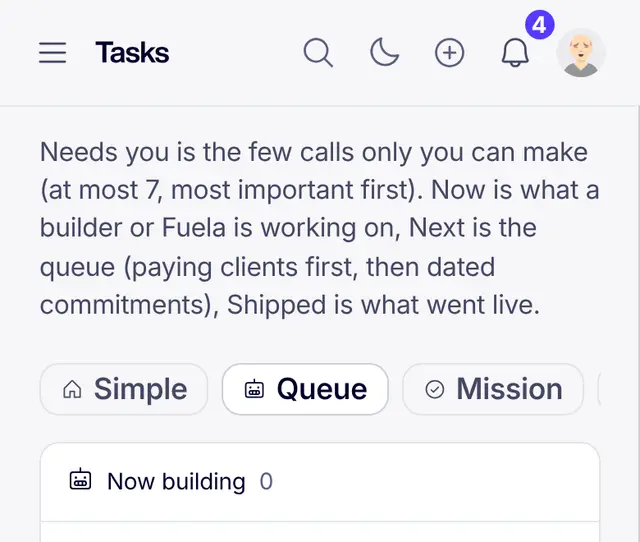
- See every taskTap All tasks for the whole list. Switch between the Simple, Queue and Mission views.
- What the statuses meanNew has not started. Scheduled has a date. In Progress is being worked on. Reviewing is being checked. Needs You waits on a person. Completed is done. Archived is put away, never deleted.
Part of Fuel, a whole life OS for your work and your day. Read the overview.
Related articles
- What the task statuses meanNew, Scheduled, In Progress, Reviewing, Needs You, Completed, Archived.
- Create a taskThree taps from idea to assigned work.
- Ask Fuela for anythingType or talk. Fuela makes the task, writes the message and finds the answer.
- Getting started in FuelSign in, get the real app, find your chats and meet Fuela. About five minutes.
Not what you needed? Ask Fuela any hour, or search the library.